Word counter GitHub repository map
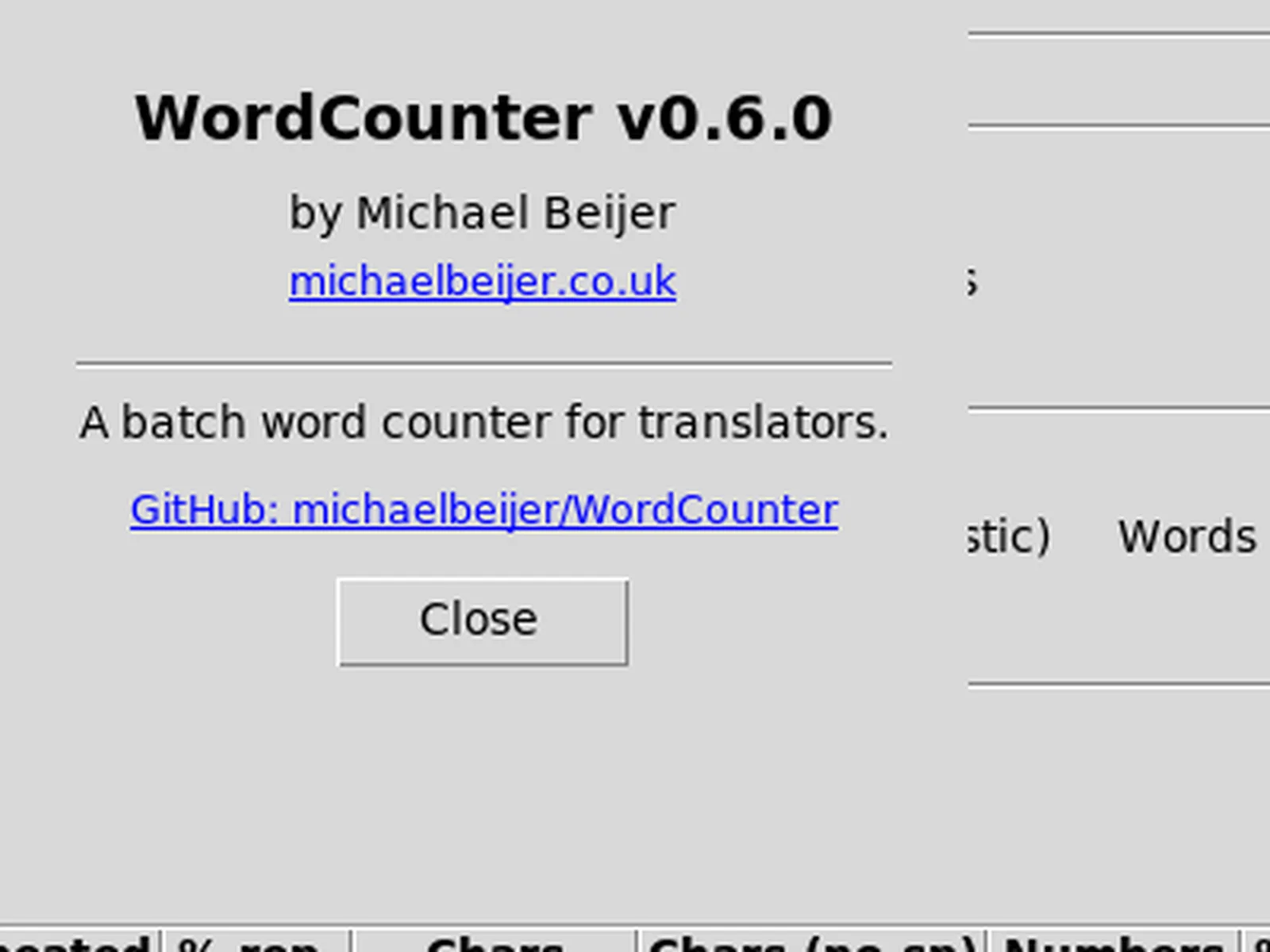
A word counter install should start at the upstream repository, not at a random search ad. This page maps michaelbeijer/WordCounter so you can find Releases, licence text, and README install notes without guessing.
Open the repo at michaelbeijer/WordCounter. Releases live at Releases. Licence: MIT.
What to open first
- Releases for WordCounter-*-win64.zip
- README for formats, billing, and source install
- LICENSE for MIT terms
- CHANGELOG for feature history across tags
- Issues or Security tab when you need upstream contact
Home hub: word counter. Safe downloads: download safely.
Source versus Windows zip
The repository holds WordCounter.py and packaging files for the Windows zip. Translators on Windows should prefer the published win64 zip so they get the bundled runtime. Developers who want to inspect counting logic can read the Python source under MIT.
Do not treat a fork mirror as the install door unless you deliberately trust that fork. This guide always returns to michaelbeijer/WordCounter for the word counter binary path.
Stars and signals
Star counts on a young utility can stay low even when the tool solves a real desk problem. Prefer release assets and licence clarity over popularity metrics when you choose a word counter for client work.
Still, keep an eye on recent commits and release dates before you image a lab. Stale tags without assets are a reason to pause.
README facts that matter
Supported formats start with .docx, .pptx, and .xlsx, with optional PDF and Tika-powered extras. Billing covers unique and repetition rates. Exports include CSV, Markdown, and clipboard reports. Those facts should drive first-hour tests after install.
Formats guide: formats. Billing: billing.
How the install guide maps the repo
Tally Quill publishes an independent install guide. Download links point at GitHub Releases. We do not rehost the zip. When upstream changes asset names, re-check Releases before you update a shared desk.
About the publisher: about. Verification habits: how we verify.
Security and trust
Prefer official Releases over third-party mirrors. Confirm the owner path before you extract. SmartScreen behaviour on Windows remains UNVERIFIED here because it was not run on a real Windows machine during this review.
Safety notes: is it safe. First run: first run.
Repo discipline: one owner, one Releases door, one proved word counter batch. Forks and portals stay off the machine ticket unless you document why.
Related: releases, Windows install, guides.
Desk notes that prevent drift
Write the GitHub Releases URL on the machine ticket beside the OS version and the zip filename you actually extracted. When a teammate later searches for word counter again, that note stops them from grabbing a random portal mirror. Agencies that skip the note usually rediscover adware download portal pages during a rush job.
Keep a tiny sample folder of non-confidential .docx and .pptx files for smoke tests after every update. Proving a word counter batch on known files is faster than debugging rates on a live client delivery. Store exports next to the sample set so you can compare CSV rows across versions.
If SmartScreen or another gate blocks the first launch, return to the official Releases URL instead of downloading a second copy from search ads. Duplicate folders are how desks end up quoting from the wrong build. Uninstall means deleting the extracted tree you no longer trust, then re-extracting once from the tag you pinned.
For macOS and Linux operators who still need counting, document that the current tag is source-only. A Python virtual environment with the README dependencies is honest. Pretending a missing dmg or AppImage exists is how install docs go stale and fail audits.
Finally, keep commercial tools available as a fallback when a client contract still names them. A local MIT word counter can sit beside AnyCount without forcing an overnight migration. Switch when the batch path and exports cover the jobs you actually bill.
Sample files worth keeping
Keep three non-confidential Office documents that you already understand. After every update to this word counter, run Count on that set and archive the CSV beside it. The habit catches silent column changes before a client quote goes out.
- One short marketing letter
- One denser legal-style paragraph file
- One slide deck with repeated bullets
When totals move unexpectedly, compare against the previous CSV before you change rates. That sequence is faster than debating memory with a reviewer.